 Live Webcams in Longyearbyen
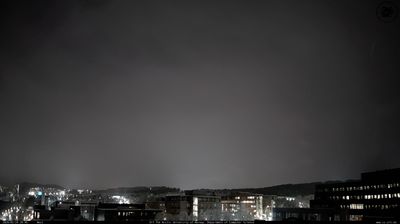
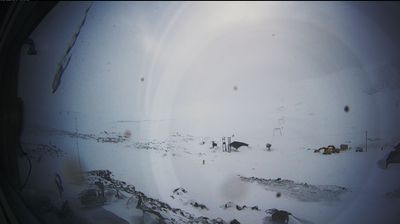
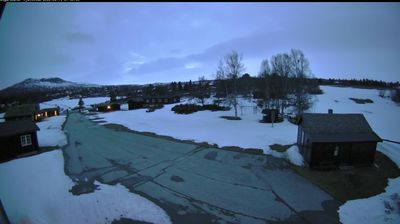
Explore live streaming views from Longyearbyen, . Check current weather conditions, traffic, and beautiful local spots.
Latest Cameras
24 streams found


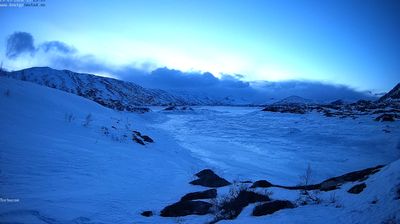

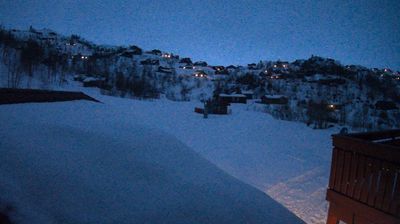
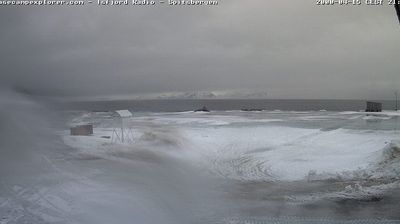
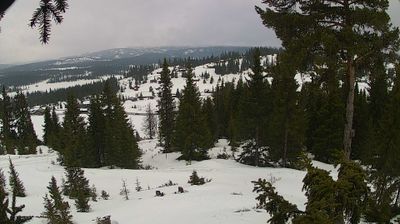


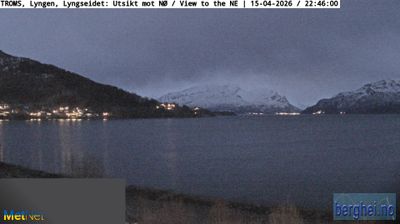

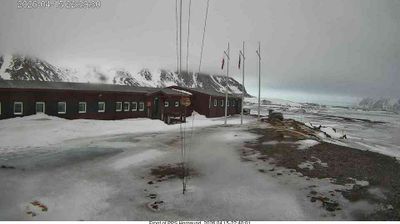
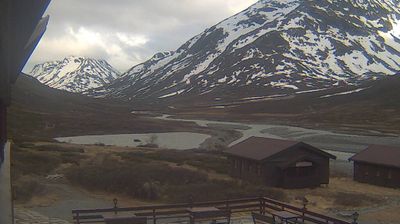
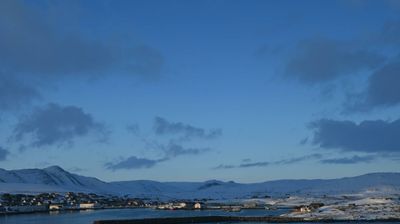
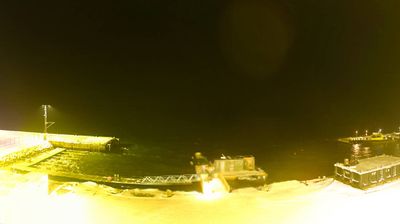
Virtual Travel to Longyearbyen
Whether you are planning a real-world visit or just digital globe-trotting, the live webcams in Longyearbyen offer an unfiltered glimpse into daily life. Watch the sunrise, check the local traffic before your commute, or simply enjoy the urban and natural landscapes that make this location unique. Bookmark this page to easily return and check the live weather conditions anytime.

About Longyearbyen
Longyearbyen adalah ibu kota sekaligus permukiman terbesar di Svalbard, sebuah kepulauan di Norwegia. Daerah ini dihuni 2.040 penduduk pada tahun 2008,Longyearbyen terletak di lembah Longyeardalen dan di pantai Adventfjorden dan pantai Isfjorden terletak di barat pantai Spitsbergen. Sejak 2002 Komunitas Dewan Longyearbyen memiliki sebagian responbilitas kotapraja termasuk kegunaan,edukasi,tempat kurtural,departemen kebakaran,jalan dan pelabuhan. Sebagian besar dari Norwegia dan Rusia. Kediaman Gubernur Svalbard berada di sini.Longyearbyen adalah kota yang paling utara di dunia dan permukiman paling utara dengan lebih dari 1000 rumah permanen.
📖 Read more on Wikipedia