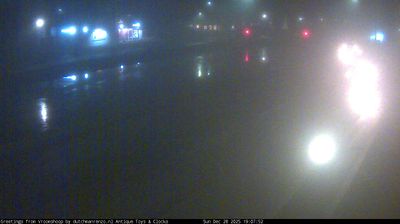
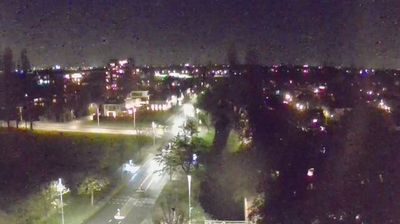
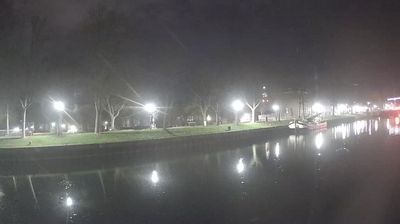
Almere › Tenggara: Rudann Interim Projecten - Sluiskade - Bokkeboot
 Almere, Belanda
Real-Time Environment
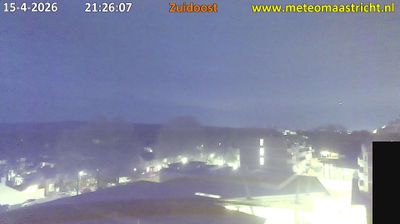
Welcome to the live streaming webcam for Almere › Tenggara: Rudann Interim Projecten - Sluiskade - Bokkeboot, perfectly situated in the vibrant region of Almere, Belanda. Watching this live camera allows you to instantly experience the local atmosphere and monitor current climate conditions.

About Almere
Almere adalah sebuah gemeente (munisipalitas) terencana yang terletak di provinsi Flevoland, Belanda, di seberang IJmeer dari Amsterdam. Kota ini memiliki penduduk sebesar 214.800 jiwa (2021). Pada tahun 2007, pemerintah kota dan pemerintah pusat merencanakan Almere memiliki penduduk sebesar 350.000 jiwa pada tahun 2030. Penduduk Almere biasanya adalah para komuter yang bekerja di Amsterdam. Almere adalah bagian dari Wilayah Metropolitan Amsterdam (MRA).
📖 Read more on Wikipedia📍 Location Facts
-
Country
 Belanda
- Region Flevoland
- City Almere
- Coordinates 52.3338°N, 5.2185°E
Have you been to Almere?
Help the community! Share your experience, tell us about the weather, or upload your own photos from this exact location.