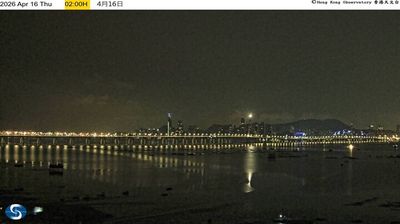
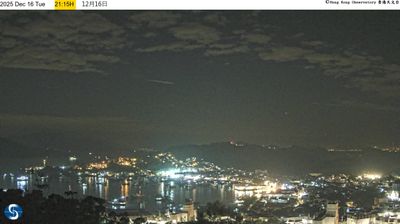
Hong Kong › Timur Laut: Wong Chu Road
 Hong Kong, Tiongkok
Real-Time Environment
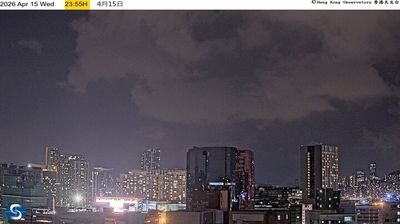
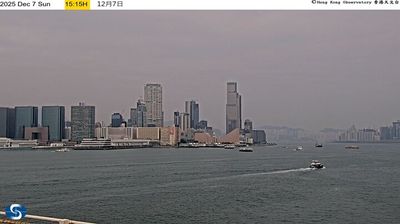
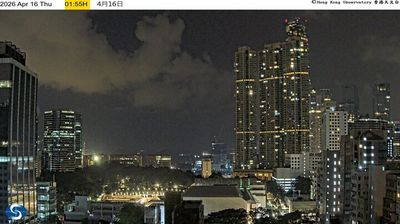
Welcome to the live streaming webcam for Hong Kong › Timur Laut: Wong Chu Road, perfectly situated in the vibrant region of Hong Kong, Tiongkok. Watching this live camera allows you to instantly experience the local atmosphere and monitor current climate conditions.

About Hong Kong
Hong Kong, resminya Wilayah Administratif Khusus Hong Kong di Republik Rakyat Tiongkok, adalah sebuah daerah administratif khusus yang terletak di bagian tenggara Tiongkok di estuari Sungai Mutiara. Hong Kong terkenal dengan perkembangannya yang pesat, pelabuhan laut dalam alami, dan kepadatan penduduk yang sangat tinggi (sekitar 7 juta jiwa pada lahan seluas 1.104 km2. Penduduk Hong Kong saat ini terdiri dari 93.6% etnis Tionghoa. Sebagian besar dari penduduk Hong Kong yang berbahasa Kanton berasal dari Provinsi Guangdong, di mana penduduk dengan keterampilan melarikan diri ketika pemerintah Komunis menguasai Tiongkok tahun 1949.
📖 Read more on Wikipedia📍 Location Facts
-
Country
 Tiongkok
- Region Hong Kong
- City Hong Kong
- Coordinates 22.3823°N, 113.9812°E
Have you been to Hong Kong?
Help the community! Share your experience, tell us about the weather, or upload your own photos from this exact location.