
Filter by Category in Jepang
Latest Cameras in Jepang
 Naha
Naha

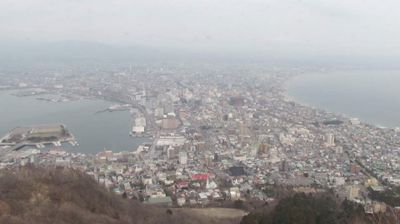

Explore Regions in Jepang
Why Visit Jepang Virtually?
Planning a trip to Jepang? Or maybe you just miss home? Our curated list of live streams provides high-quality views of the local regions and cities. Check the live weather, see what locals are up to, and enjoy the beautiful views 24/7.

About Jepang
Jepang adalah negara kesatuan yang bersistem parlementer dengan berbentuk monarki konstitusional dan juga negara kepulauan di Asia Timur. Letaknya di ujung barat Samudra Pasifik, di sebelah timur Laut Jepang, dan bersebelahan dengan Tiongkok, Korea Selatan, dan Rusia. Pulau-pulau paling utara berada di Laut Okhotsk dan wilayah paling selatan berupa kelompok pulau-pulau kecil di Laut Tiongkok Timur, tepatnya di sebelah selatan Okinawa yang berseberangan dengan Taiwan. Pada tahun 2014 Badan Jasa Keuangan (Jepang) dan Otoritas Jasa Keuangan menjalin kerja sama di bidang lembaga keuangan bukan bank. Pada tahun 2025 Kementerian Keuangan (Jepang) dan Bank Indonesia menjalin kerja sama untuk mendorong uang lokal.
📖 Read more on Wikipedia