 Live Webcams in San Diego
Explore live streaming views from San Diego, . Check current weather conditions, traffic, and beautiful local spots.
Latest Cameras
25 streams found




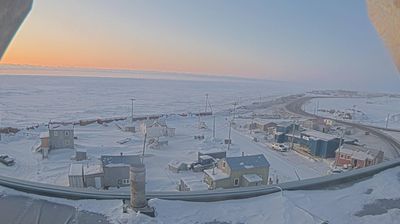

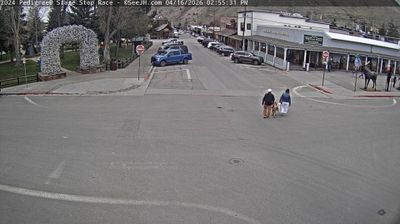
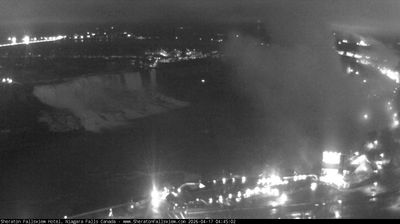



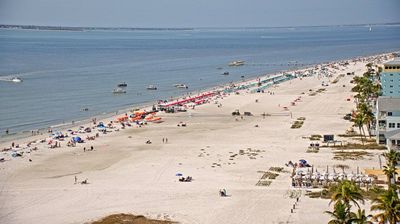




Virtual Travel to San Diego
Whether you are planning a real-world visit or just digital globe-trotting, the live webcams in San Diego offer an unfiltered glimpse into daily life. Watch the sunrise, check the local traffic before your commute, or simply enjoy the urban and natural landscapes that make this location unique. Bookmark this page to easily return and check the live weather conditions anytime.

About San Diego, California
San Diego adalah kota pantai di California Selatan yang terletak di sudut barat daya daratan Amerika Serikat. Pada 2005, jumlah penduduk kota ini adalah 1.305.736 orang. San Diego adalah kota kedua terbesar di negara bagian California dan kedelapan terbesar di Amerika Serikat. Kota ini terletak tepat di sebelah utara perbatasan Meksiko, dan merupakan pangkalan Angkatan Laut Amerika Serikat dan Korps Marinir, dengan pantai yang berkilo-kilometer panjangnya, serta iklim laut yang sedang. Temperatur rata-rata setiap tahunnya 18°C). Ekonomi San Diego mengandalkan pariwisata, perdagangan, pertanian, industri pembuatan kapal, militer, bio-teknologi, ilmu komputer dan elektronika.
📖 Read more on Wikipedia