
Filter by Category in Brasil
Latest Cameras in Brasil
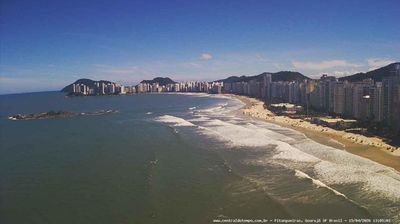
 Guaruja

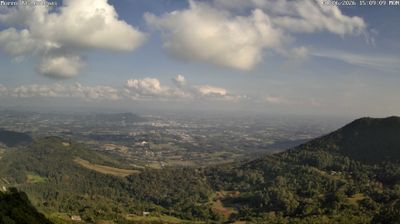
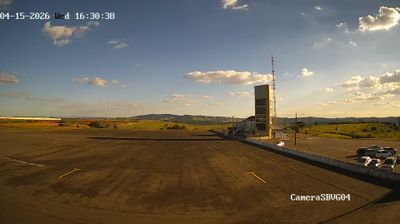
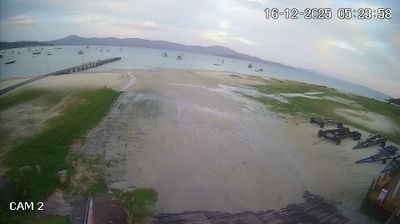
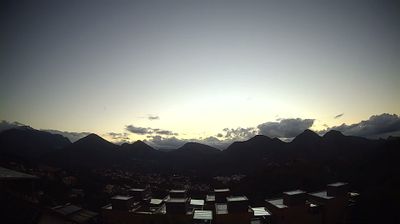


Explore Regions in Brasil
Why Visit Brasil Virtually?
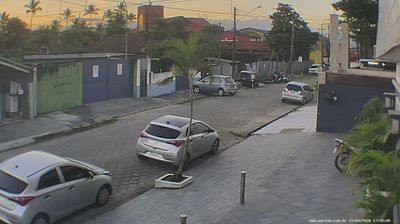
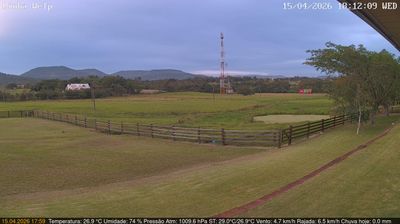
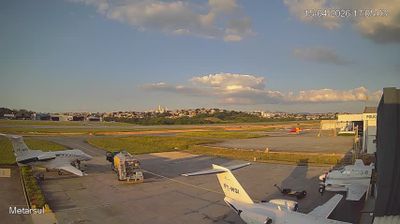
Planning a trip to Brasil? Or maybe you just miss home? Our curated list of live streams provides high-quality views of the local regions and cities. Check the live weather, see what locals are up to, and enjoy the beautiful views 24/7.

About Brasil
Brasil, dengan nama resmi Republik Federasi Brasil, adalah negara terbesar di Amerika Selatan dan di Amerika Latin. Brasil adalah negara terluas kelima dan penduduk terbanyak ketujuh di dunia. Negara ini merupakan negara paling timur di benua Amerika Selatan dan dibatasi oleh Pegunungan Andes dan Samudra Atlantik. Nama Brasil diambil dari nama kayu brasil, sejenis kayu lokal. Brasil merupakan tempat pertanian ekstensif dan hutan hujan tropis. Sebagai bekas koloni Portugal, bahasa resmi di Brasil adalah bahasa Portugis. Selain itu, Brasil juga sebagai penghasil kopi terbesar di dunia selama 150 tahun terakhir. Brasil memiliki peranan sentral dalam negosiasi Perjanjian Asosiasi Uni Eropa–Mercosur.
📖 Read more on Wikipedia